

You can also connect with others through our built-in community, share documents safely, and message staff in real time. Everything you need in one place — fast, secure, and simple.
Request Your Documents Anytime, Anywhere – 24/7 Access at Your Fingertips! Your convenience is our priority.


Welcome to MinSU
Your trusted partner in education, fostering excellence and innovation in a vibrant campus community.
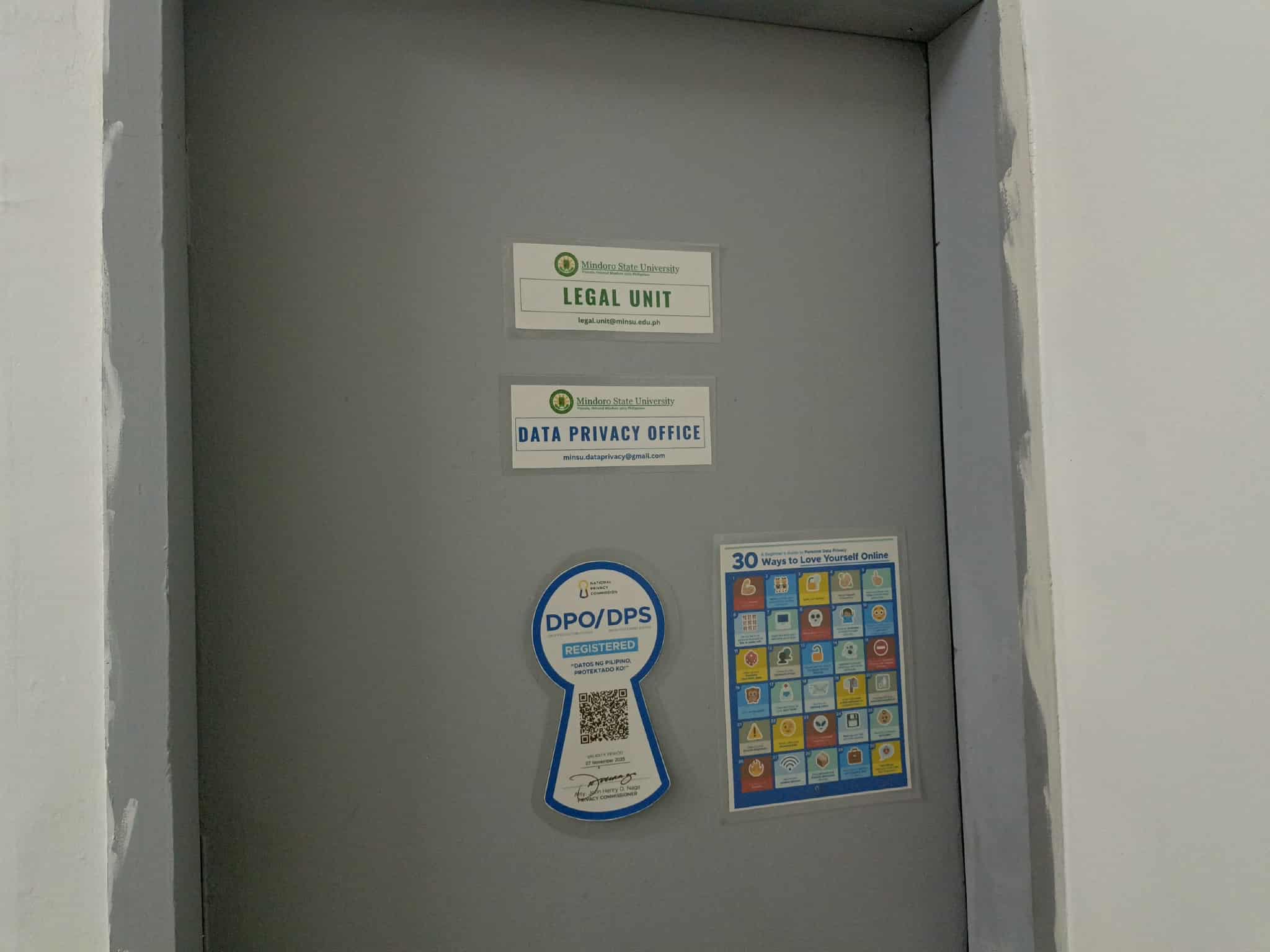
Data Privacy & Security
Your information is protected by our dedicated Data Privacy Office, ensuring secure and confidential handling of all requests.
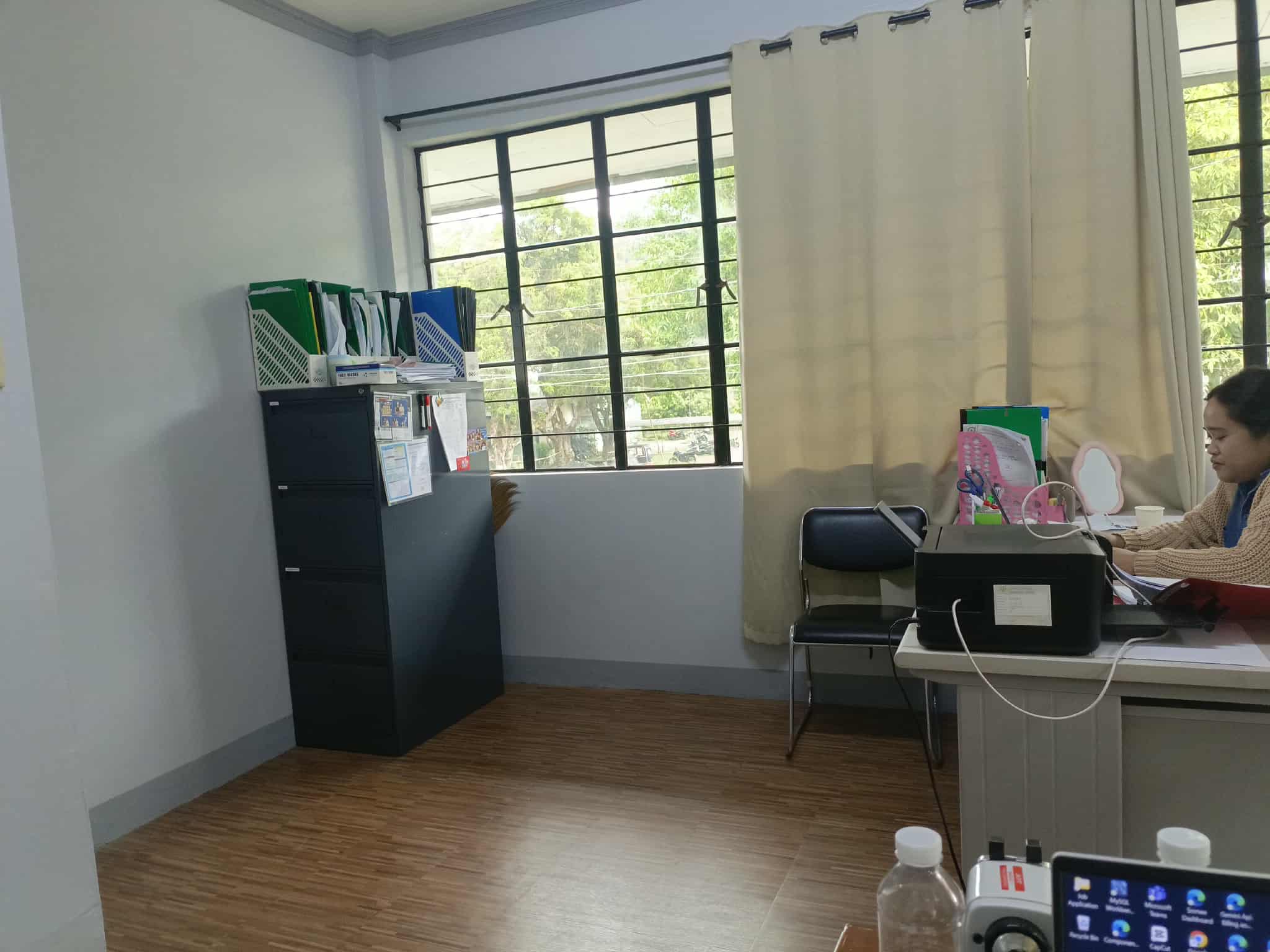
Data Request
Request documents quickly and easily with our system - anytime, anywhere.
About Our System
Request Data with Ease
No more long queues or complicated paperwork. With the MinSU Online Data Request Portal, you can request data and documents in just a few clicks — anytime, anywhere.
Depending on your request purpose (e.g., academic, administrative, accreditation, or community engagement), you may need to attach supporting documents such as endorsement letters, proposals, or request forms. Once submitted, you can easily track your request status in real time.
- Submit supporting documents by purpose
- Online submission — no physical paperwork
- Track request progress with real-time updates
Safe, Fast, and Transparent
Your data is always protected. Every request goes through a secure channel and is handled only by authorized staff. You'll also see clear updates on where your request is at each step.
Need help? Our built-in ChatBot Dora is here to guide you through the system—ask anything related to the features and processes. You can also use the integrated messenger to reach admins directly and get real-time support whenever you need it.
- End-to-end encryption
- AI-powered assistant
- Direct admin messaging
How It Works
Watch this short video to learn how to use our system effectively
Frequently Asked Questions
Contacts
Visit Us
Data Privacy Office
Old Administration Building